One of our main challenges in Hacking the machines is how to maintain the performative action of the craft process. How do we safeguard the knowledge of the hands, serendipity, the sensorial exchange between the craftsperson and the material, intuition and chance within the artisanal process, when working with digital solutions that tend to be more sterile and optimised for faster, cheaper, replicable large quantities of products?
To take on this challenge, Hacking the machines focuses on creating a performative intervention opportunity for a craftsperson or designer, to intervene in the digital printing process. In our pilot, we aim to research and construct a sensorial interactive device and a set of performative prompts, to ensure the craftsmanship and performative human element is continuously involved in the process. This process will feed from and build upon the documentation of traditional craftsmanship techniques and knowledge from the craftspeople that will be involved. It will foster the conditions for an augmented craftsmanship and process evolution to happen: one which isn’t optimised only towards easier replicability, freedom of design, cost reduction, labour reduction – rather one that also optimises towards the physical experience of craftsmanship as activity, as way of operating and creating.
The sensorial interactive device aims to ensure a sensorial and intuitive creative interaction between the craftsperson and the digitally controlled machine, critically exploring the gap between traditional hand painting or printing and fully digitised alternatives.
Ideation
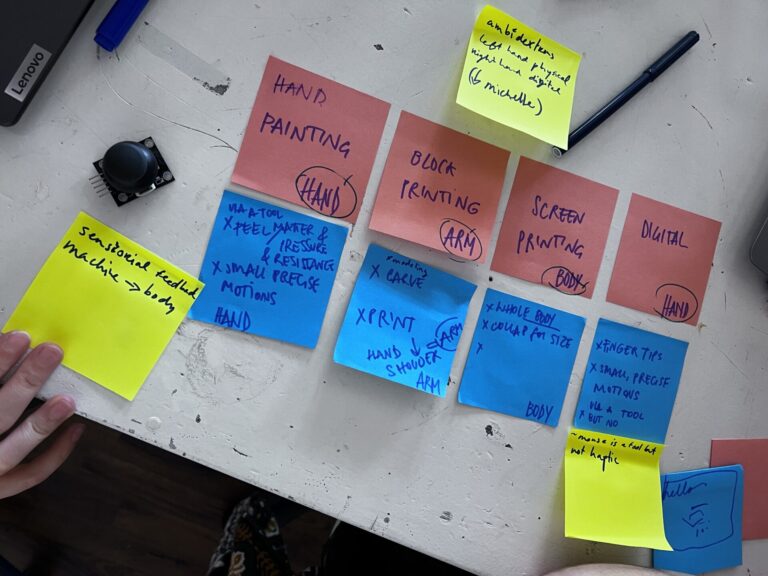
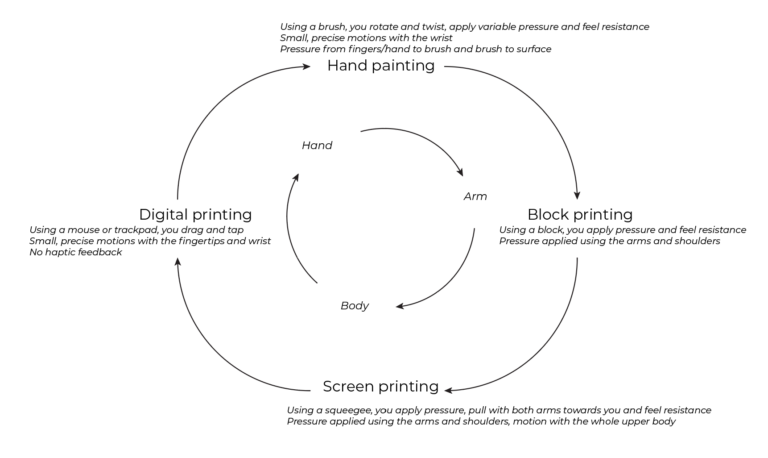
The input for our haptic device research comes from the interviews and conversations (frugal ethnographic research) with selected craftspeople. These articles can be found in the Stories section. We also looked at the timeline of textile printing. Brainstorming about various textile printing techniques throughout history, we looked at how they relate to the fingertips, hands, arms and the entire body. This formed the basis for the following graph. You can read more about this in the story From the hands to the digital.
Interactive tool types
This led us to the following 5 interactive tool type categories for machine dialogues:
- Wearable – translating body motion, gestures
- Hand-held – translating hand gestures or fingertip interaction
- Hand-held tools that interact with a surface – mimicking printing motions
- Surfaces that you directly interact with your hands or fingertips with – the surface and the hands become the tool
- Stand-alone objects – larger objects that have less relation with the craft and more with different bodily interactions
Initial prototype
In May 2024, we made the first interactive device to bring continuous human influence into the printing process. This prototype did not yet take into consideration the sensorial experience of the device in relation to the printing process, although it did provide an interesting way to control brush position and revolution, exploring alternative (new) craft processes and interactions between craftsperson and machine. Here we are iterating further on devices made to influence and control the printing process.
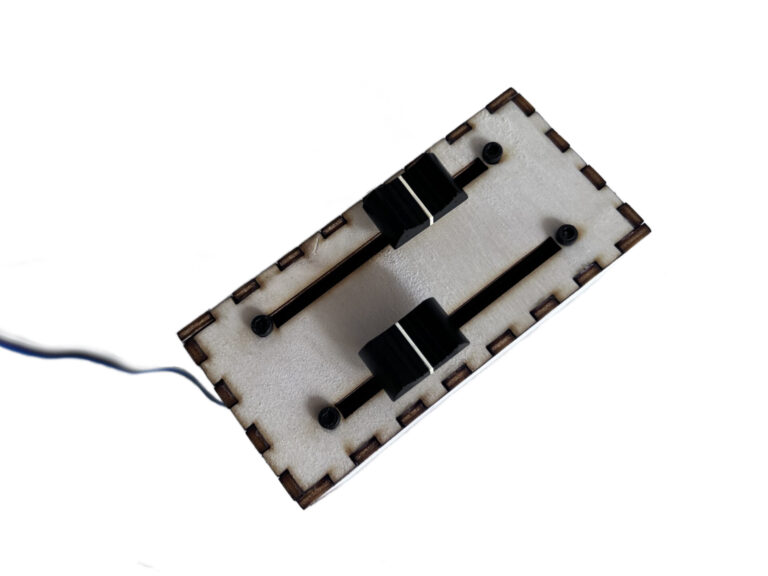
The first device consists of two slide potentiometers that control the revolution speed and direction of the tool, and the angle/swing of the tool. You can read more about it here.
Interactive surface (iteration 2)
The first pressure and touch based haptic device design is a circle consisting of aluminium foil touch pads that function as capacitive touch sensors when connected to an MPR121 capacitive touch break-out board, and an analog pressure sensor made out of velostat (carbon-impregnated pressure sensitive material). A smaller pressure based device that can be controlled by applying pressure with a tool or with your fingers/palm of your hand is attached to the same system. These are surfaces that you interact with your hands with.
We are making interactive devices that are wireless and interchangeable, using the ESP-NOW wireless communication protocol. There is one main receiver ESP that is connected to the machine and the servo motors, and there can be all kinds of sender ESPs that all send data in the same format to the receiver, so they all work the same in the end. To start with, you should only connect one haptic device at a time, but interesting things can happen when you attach multiple that are controlled by different people, allowing collaboration or help.
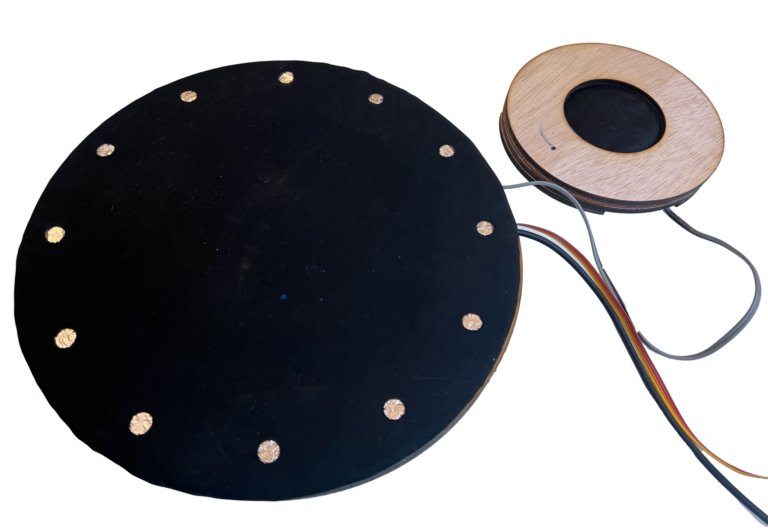
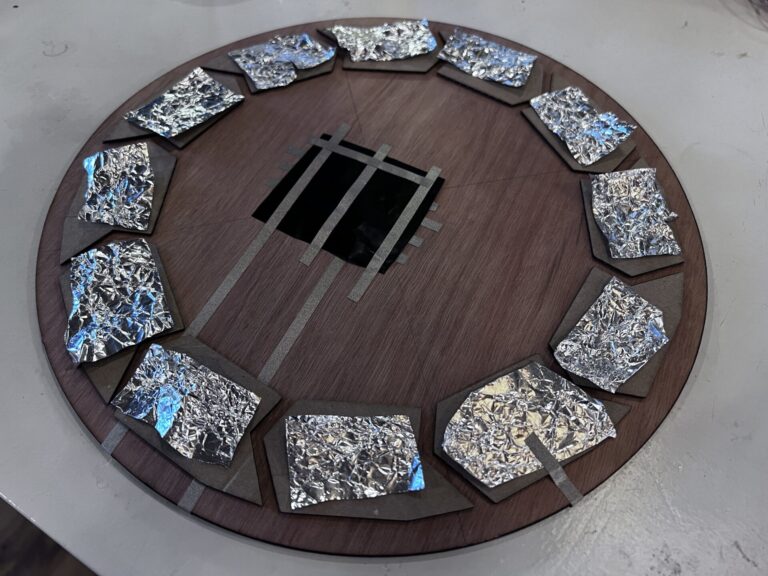
Here you can see the pressure sensor (velostat) controlling servo speed and direction, and the touch pads controlling the servo motor angle.
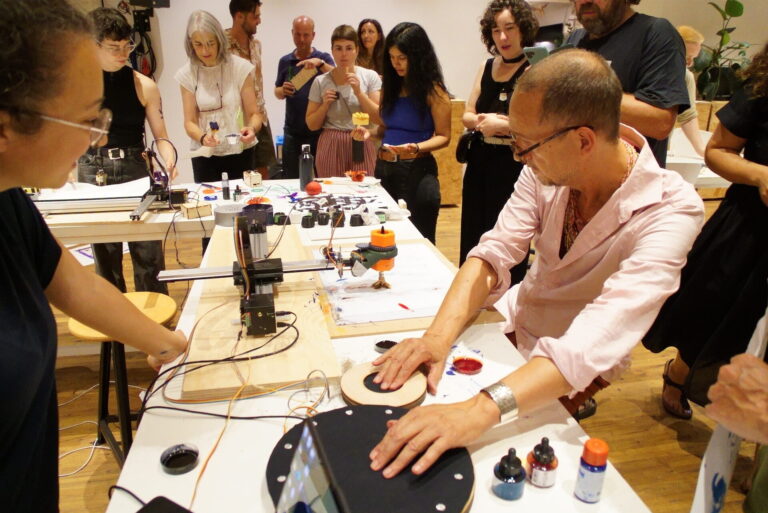
We used the interactive devices with the public during Waag Open: Hacking the Tool!.
Feedback
These interactive interfaces are not very clear from the get-go: there are no visual indications as to what input links to what output, or even how to interact with them. They are not very user friendly in that sense. Another issue is that the pressure sensors are very sensitive, which makes it hard to scale the output values to a range of useful values (for example, the pressure is basically all the way up or down, pressure in between is hard to realize).
Fabricademy 2024/2025 (iteration 3)
In November 2024, we collaborated with Fabricademy students Carolina Beirão and Isobel Leonard to hack the Shopbot again. This time our focus was on interactivity. Aslı worked on the physical attachment of the water pump system to the Shopbot as well as the Grasshopper file creating the Shopbot code. Michelle developed the electronics for the updated water pump system, and a haptic input receiver to which multiple kinds of sensors can be attached. The students made various sensors and interfaces to control a water pump depositing ink and motors controlling brush motion. The sensor information was sent wirelessly to the hacked Shopbot. We used the interactive tool holder developed by Sven Dekker and made a simple adapter to connect it to the Shopbot.
The following photos and videos are made by Carolina and Isobel. They documented their work on their respective Fabricademy websites here and here.
Interactive input system
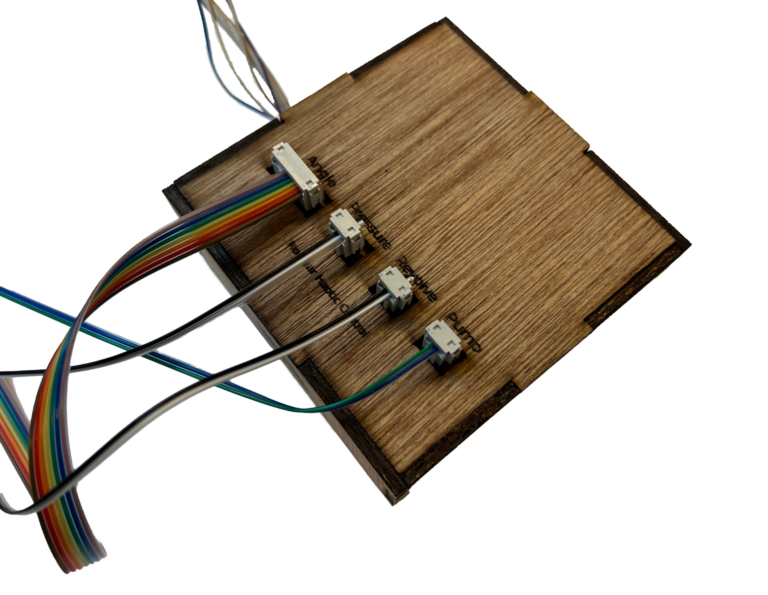
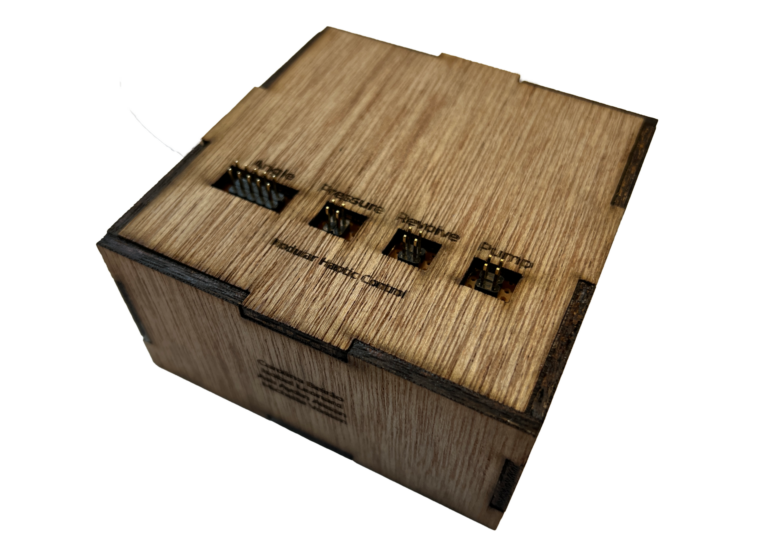
This box communicates wirelessly with the tool holder, which is very useful when controlling a brush and ink pump on a large format machine like the Shopbot. You can change the way you interact with the machine just by plugging in a different sensor. If you want different sensor sensitivity or motion, you can also change the code to match your wishes. You can find the current code at the bottom of this page.
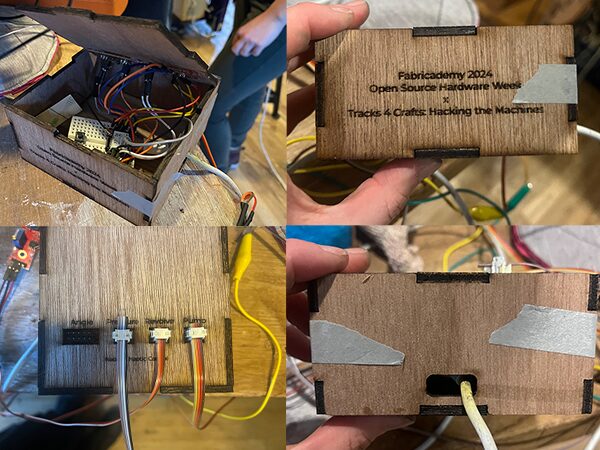
The electronics on the inside of the box are as follows:
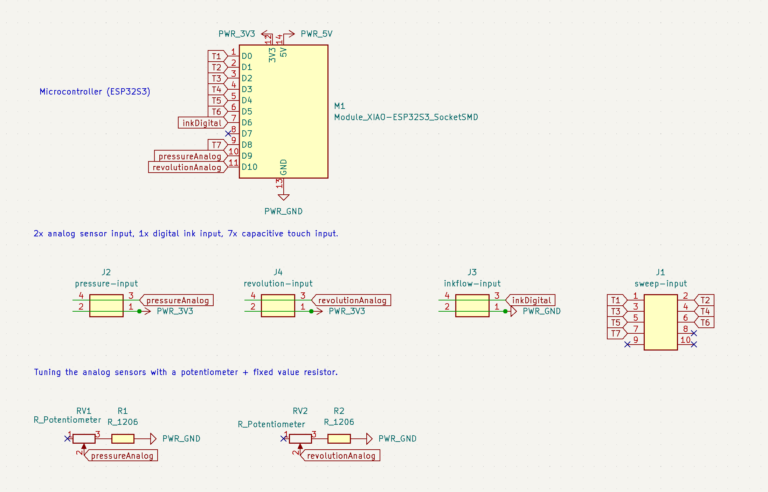
The interactive device has the following options to connect sensorial input to motor output:
- Angle: to connect touch keyboards using touchRead functionality of the ESP32S3. The touch detected determines the angle of the servo motor controlling the angle of the brush.
- Pressure: to which you can connect a two pin analog sensor (like a textile sensor or LDR). It’s wired as a voltage divider with a fixed value resistor. It can also be rewired to work with other existing sensors like sound sensors. It controls the servo motor regulating up and down motion (pressure).
- Revolve: to which you can connect a two pin analog sensor (like a textile sensor or LDR). It’s wired as a voltage divider with a fixed value resistor. It can also be rewired to work with other existing sensors like sound sensors. It controls the servo motor regulating revolution speed and direction.
- Pump: to connect a digital switch to turn on and off the water pump and bring ink into our system.
Interactive input exploration
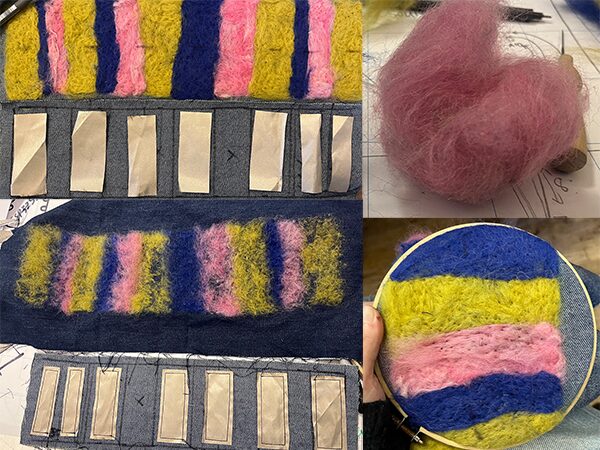
The students used their selfmade sensors alongside existing sensors and tested their interaction with various motors. You can see the different outcomes below. To learn more about their process, check out their documentation pages linked above.
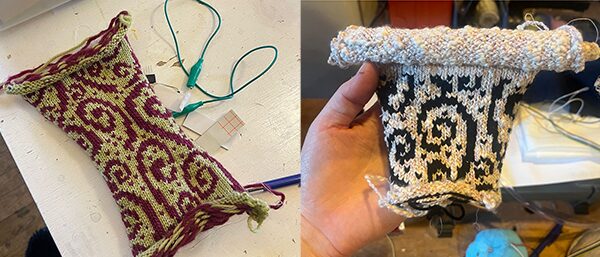
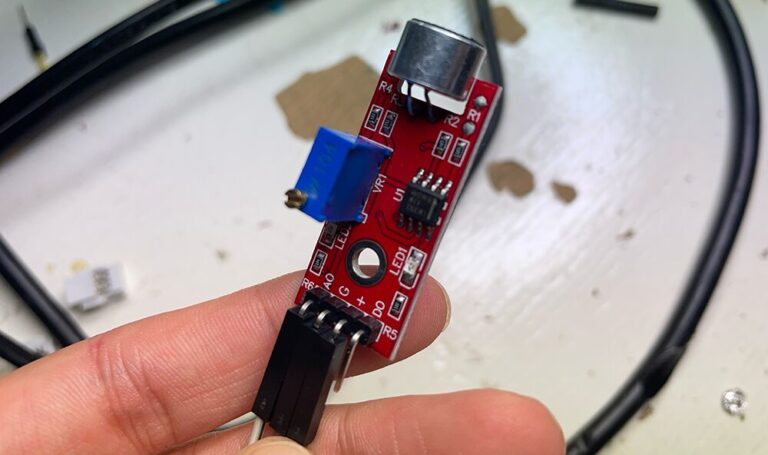
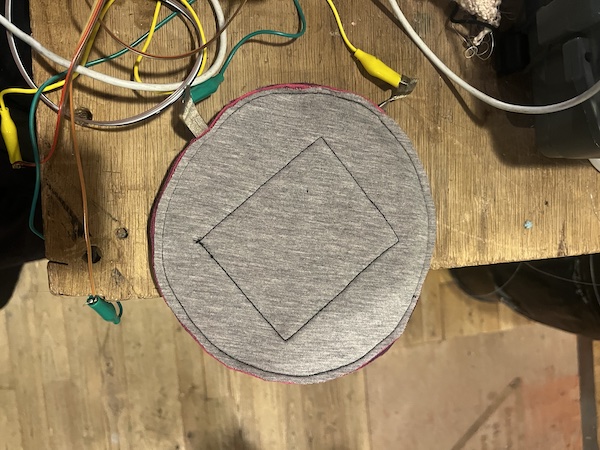
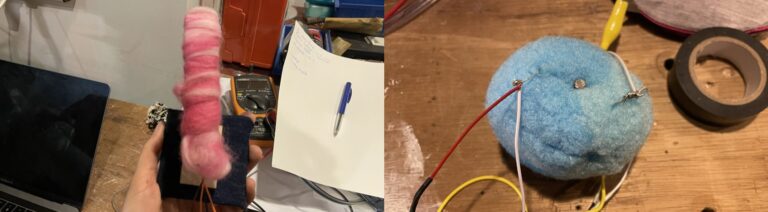
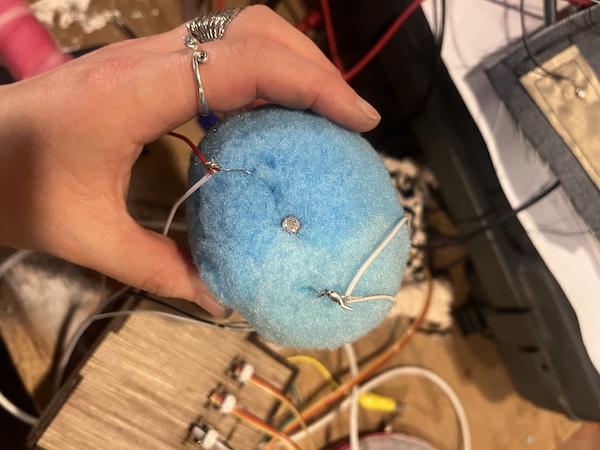
Testing a knitted stretch sensor and a sound sensor with servo motor output:
Testing out a capacitive touch sensor keyboard with servo motor output attached to the Shopbot:
Testing out a selfmade on/off button to send ink to the brush:
Testing with the machine
You can find the tests with the machine on the Fabricademy 2024: Open Source Hardware Week page.
Modular interactive prototypes (iteration 4)
We continued with the modular input device box and made more sensors that could be attached to it.
Pressure
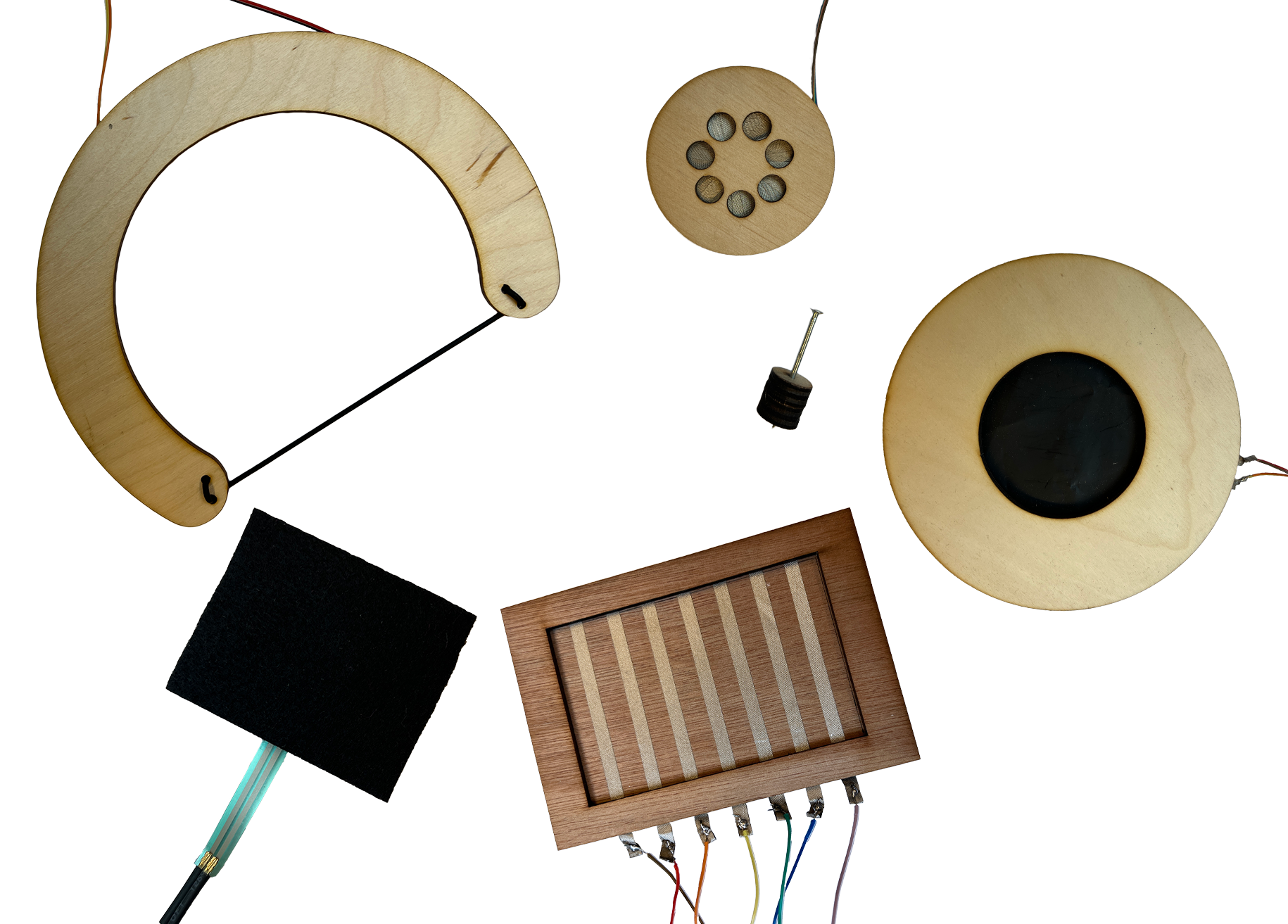
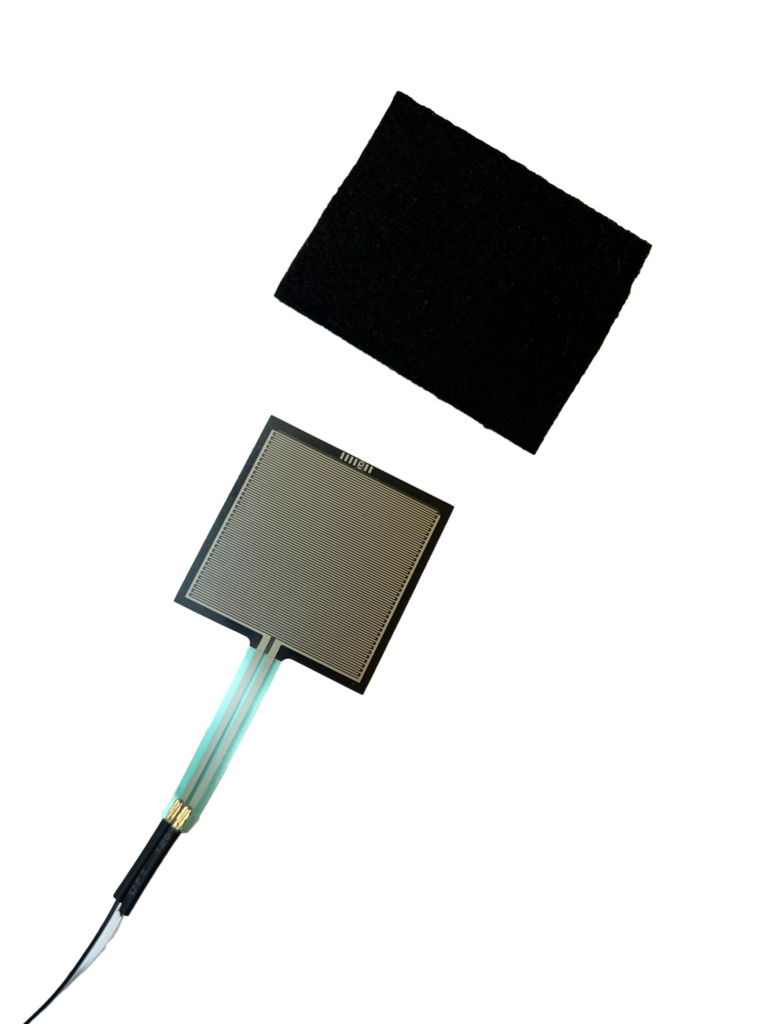
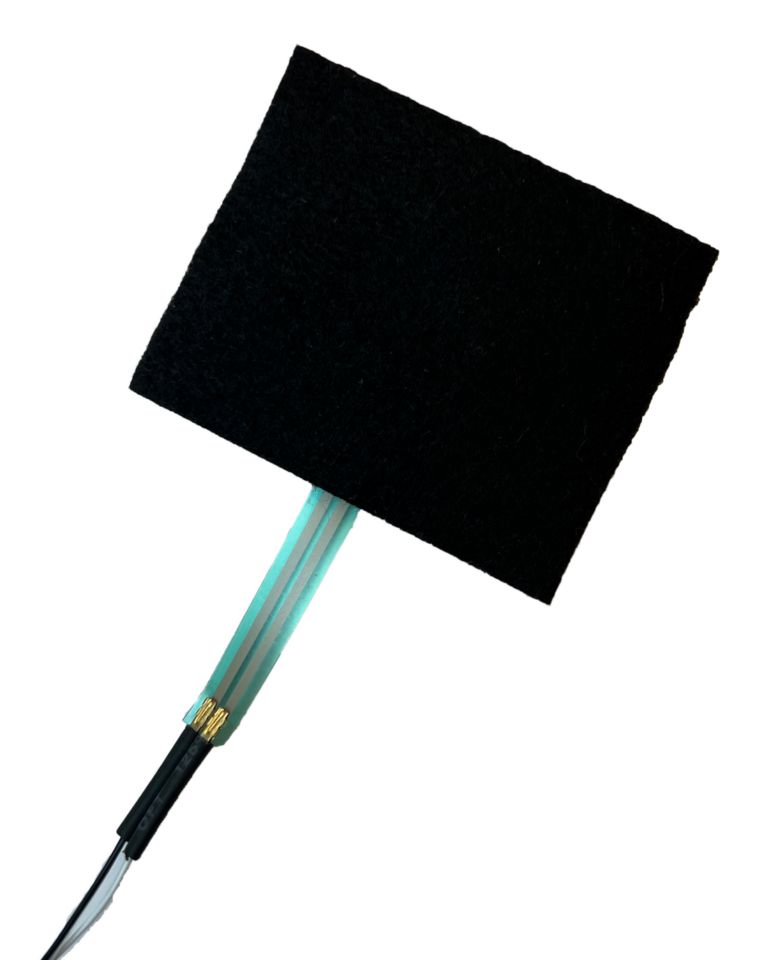
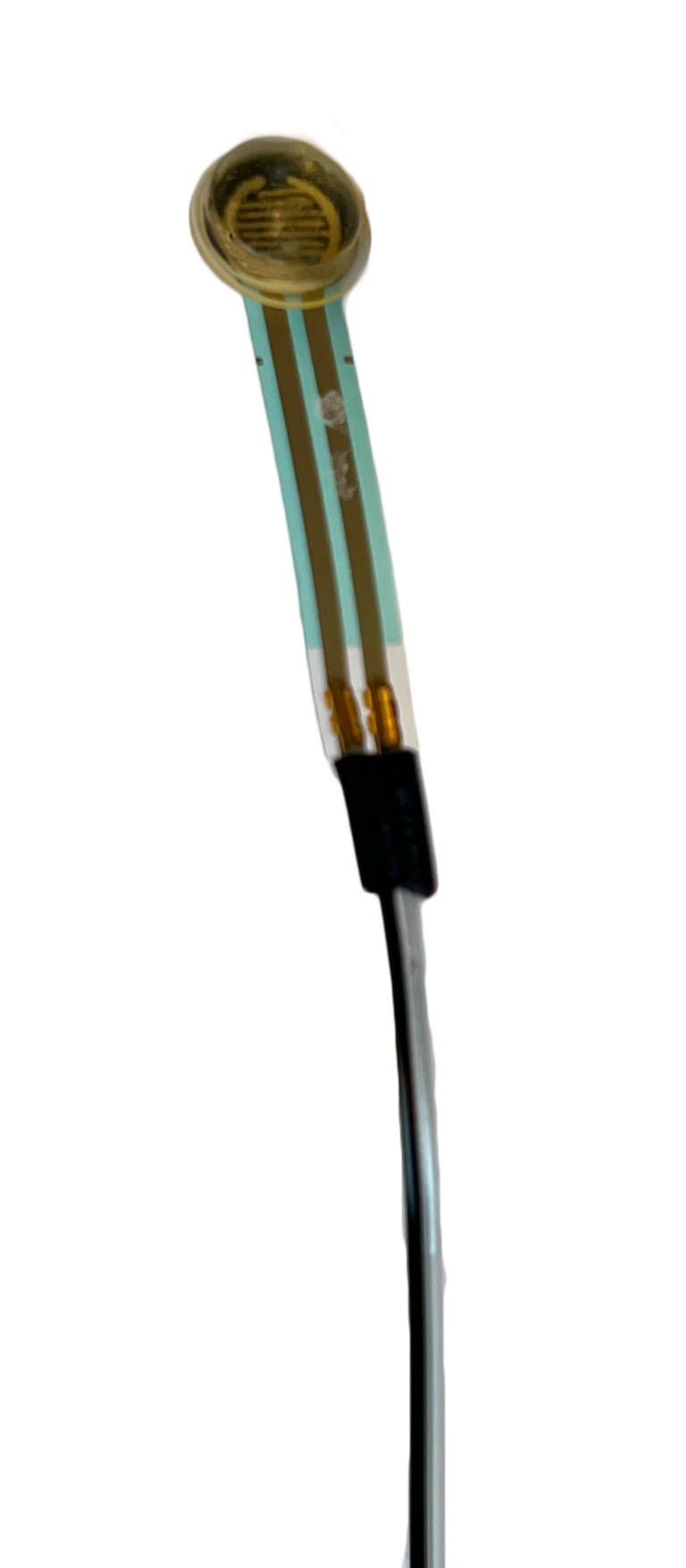
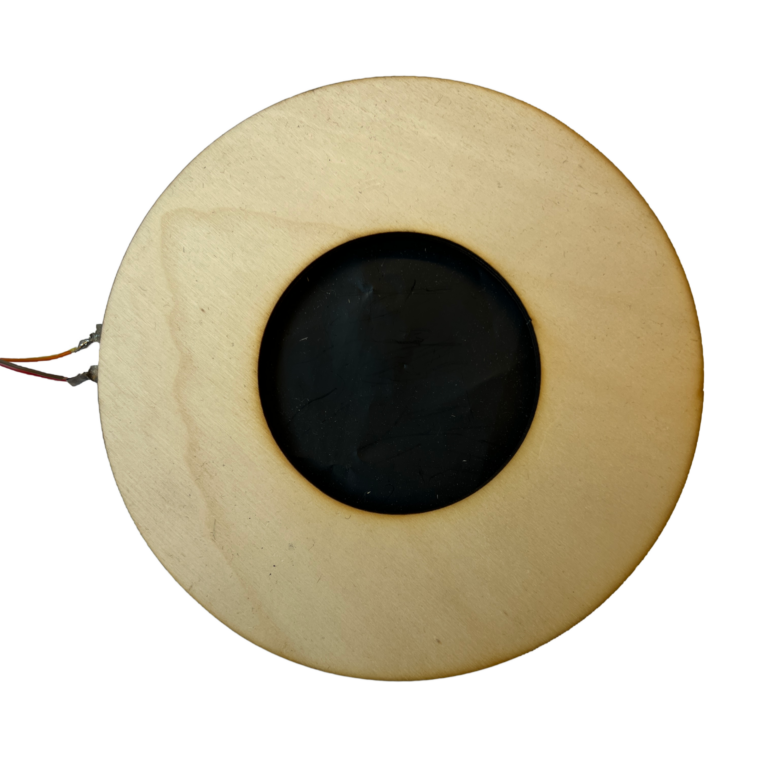
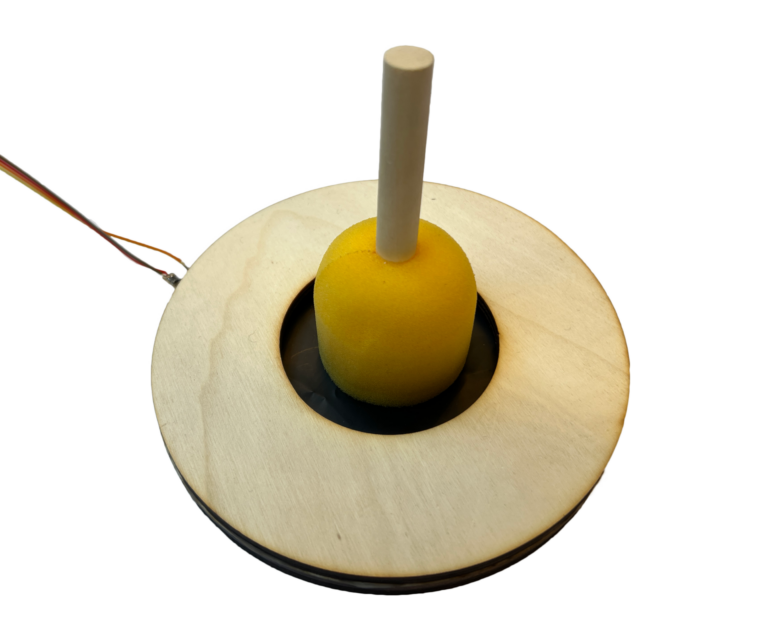
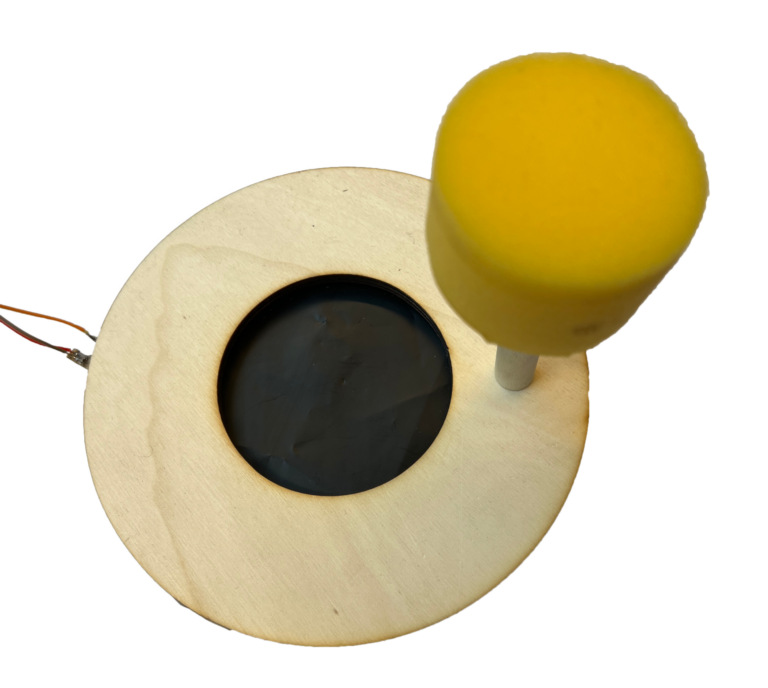
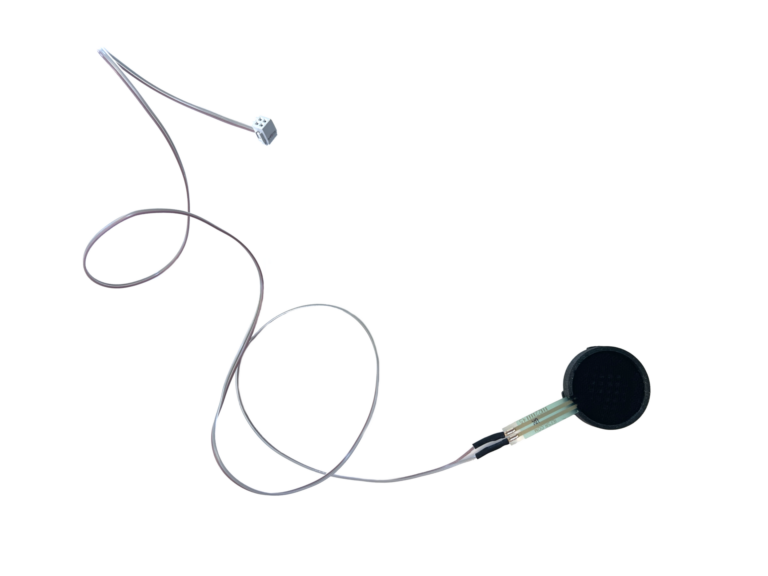
The following devices measure pressure. The first two are resistive membrane pressure sensors, the last one uses Velostat.
Feedback
During the hybrid encounter Interactive direct bioprinting, we used these sensors as surfaces that you interact with your hands with. However, when reflecting on the interaction, we discussed they would work more intuitively if they would instead be controlled with a tool: a hand-held tool that interacts with a surface. If there is a notch of some sort to hold the tool in place when it’s not in use, that would help the user to understand how to interact with the (minimal) surface design.
Stretch
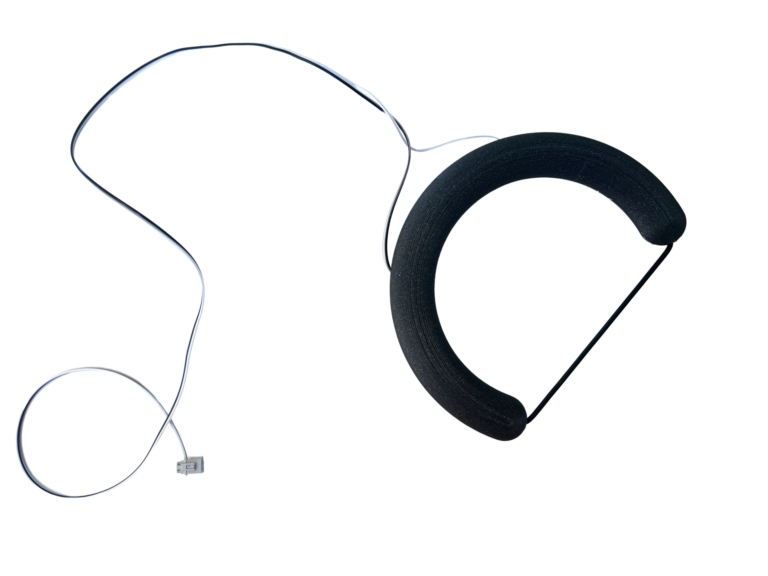
We also made a hand-held tool that looks like a simplified harp, which makes the interaction feel like you are playing an instrument
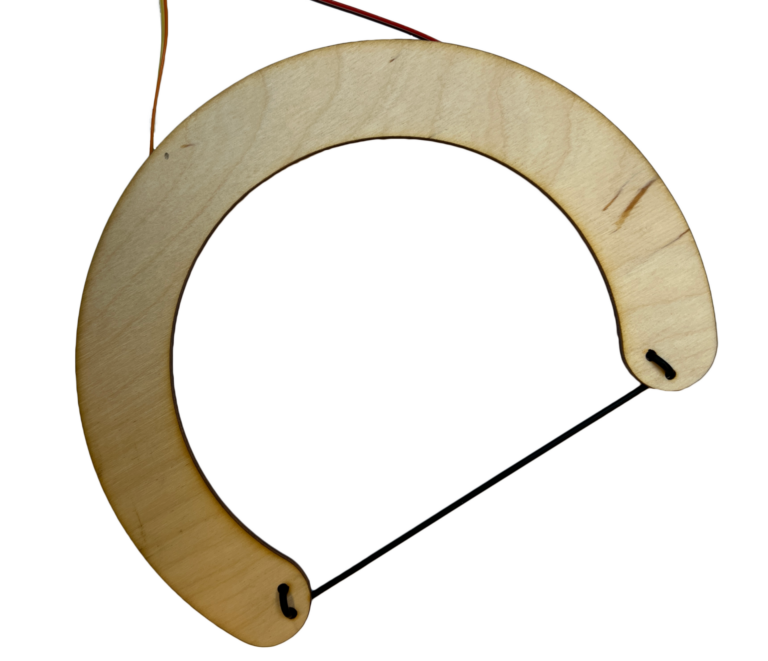
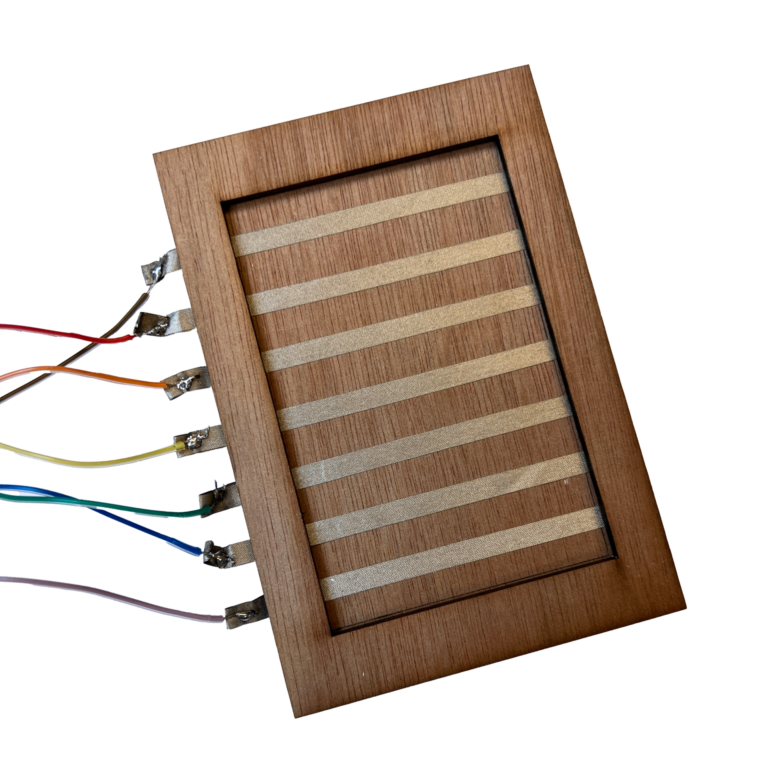
Touch
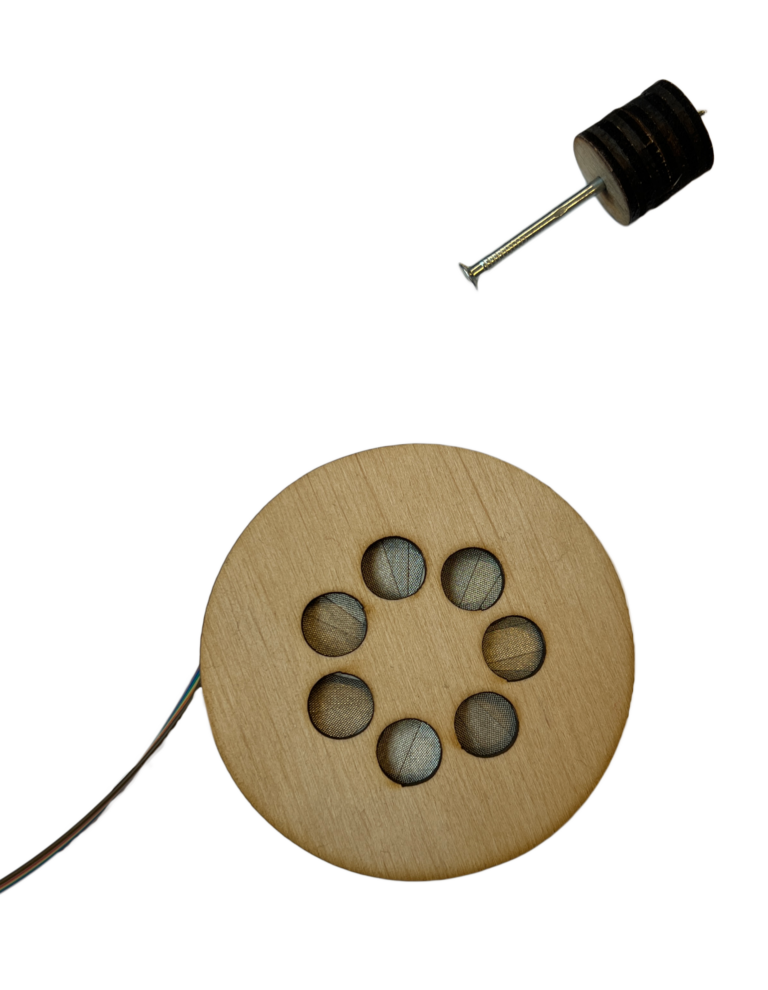
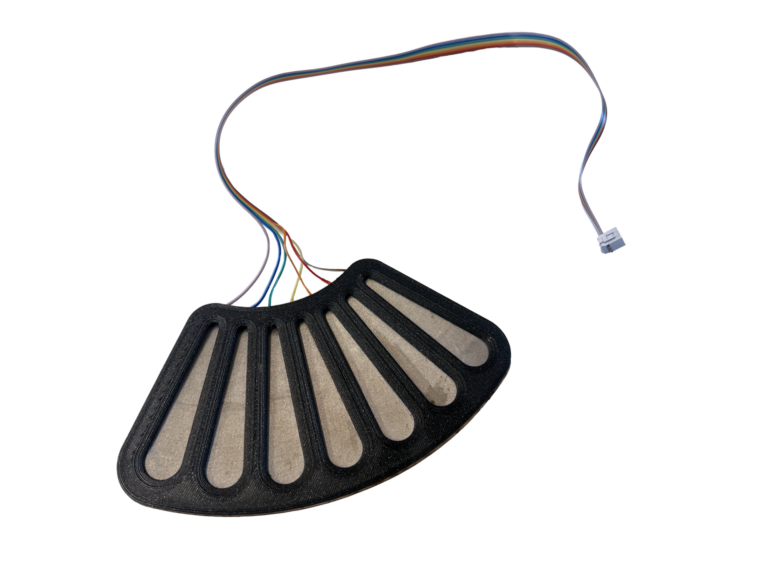
A touch pad interface that can be used as a hand-held tool or as an object on a table. The silver stripes are conductive and are used to control tool angle. By touching two adjecent stripes, the angle will be in between the two values.
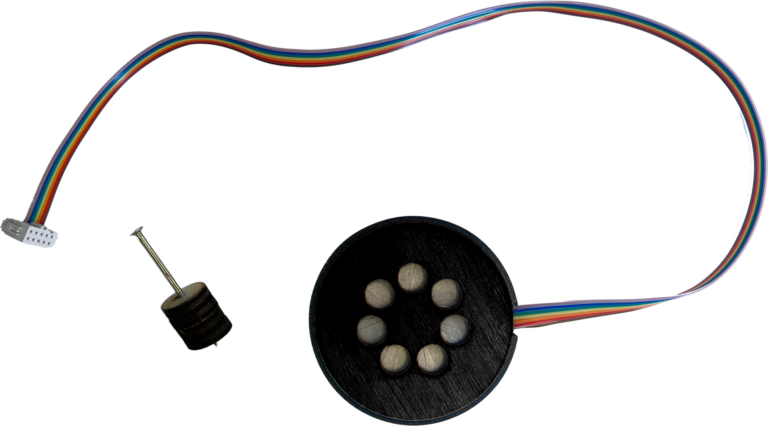
This is also a touch interface, but this one is controlled by touching the pads with the hand-held tool. It detects your fingertip through the nail. The circular shape is inspired by Staphorster Dotwork, and the tool is similar to a tool used for the Dotwork.
Modular interactive devices (iteration 5)
To make the interactive input system more visually coherent, we spray painted everything black, and 3D printed covers in black PLA to give them a finishing touch.
Pressure
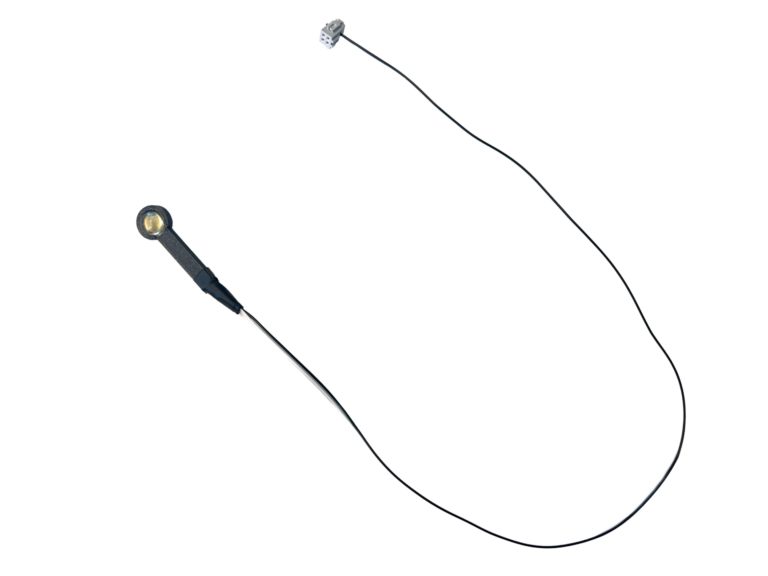
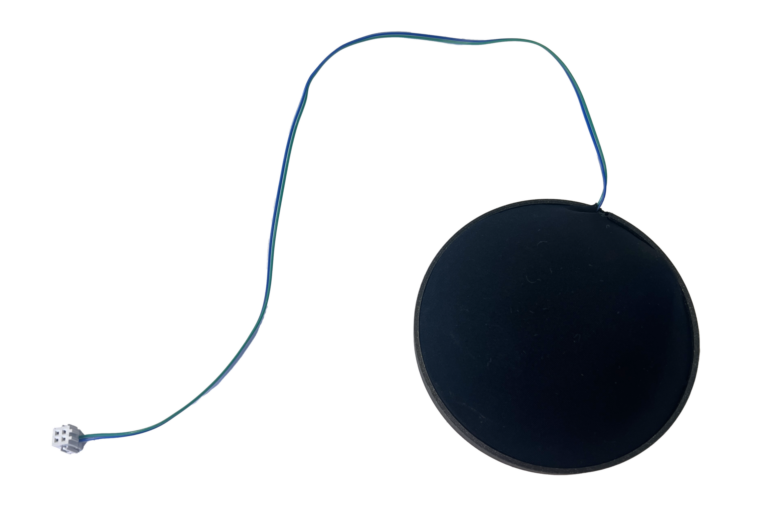
These four devices sense pressure, using resistive membrane pressure sensors as these proved to be the most reliable.
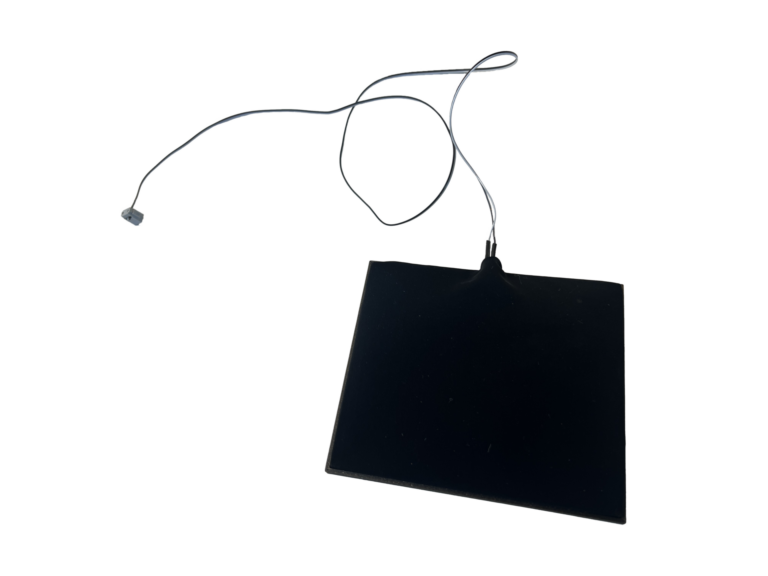
Stretch
This hand-held object is an improved version of the previous stretch harp.
Twist
This device translates wrist motion (or twist applied by the hand) to machine motion or ink flow.
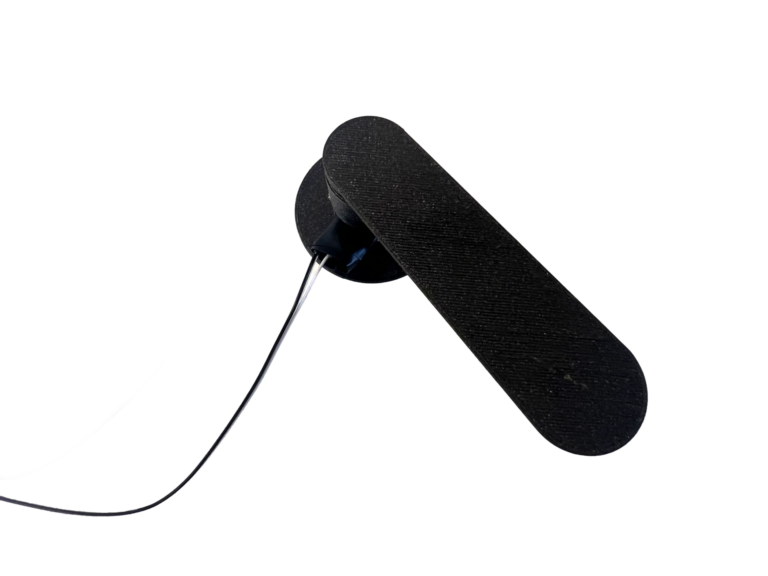
Touch
These two devices are the upgraded versions of the previous two touch devices. The touch pad is 3D printed and curved for a better handheld experience. The circular tool is the same but spray painted and with a 3D printed back cover.
- Wearable – body motion, intuitive
- Hand-held – body motion, squeeze
- Hand-held tools that interact with a surface – mimicking printing motions
- Surfaces that you interact with your hands with – the surface and the hands become the tool
- Stand-alone objects – larger objects that have less relation with the craft and more with different body interactions
Code
You can find the code for the interactive input on the Modular interactive input system hack page, and the code for the output on the Dye and motion output system hack page.