
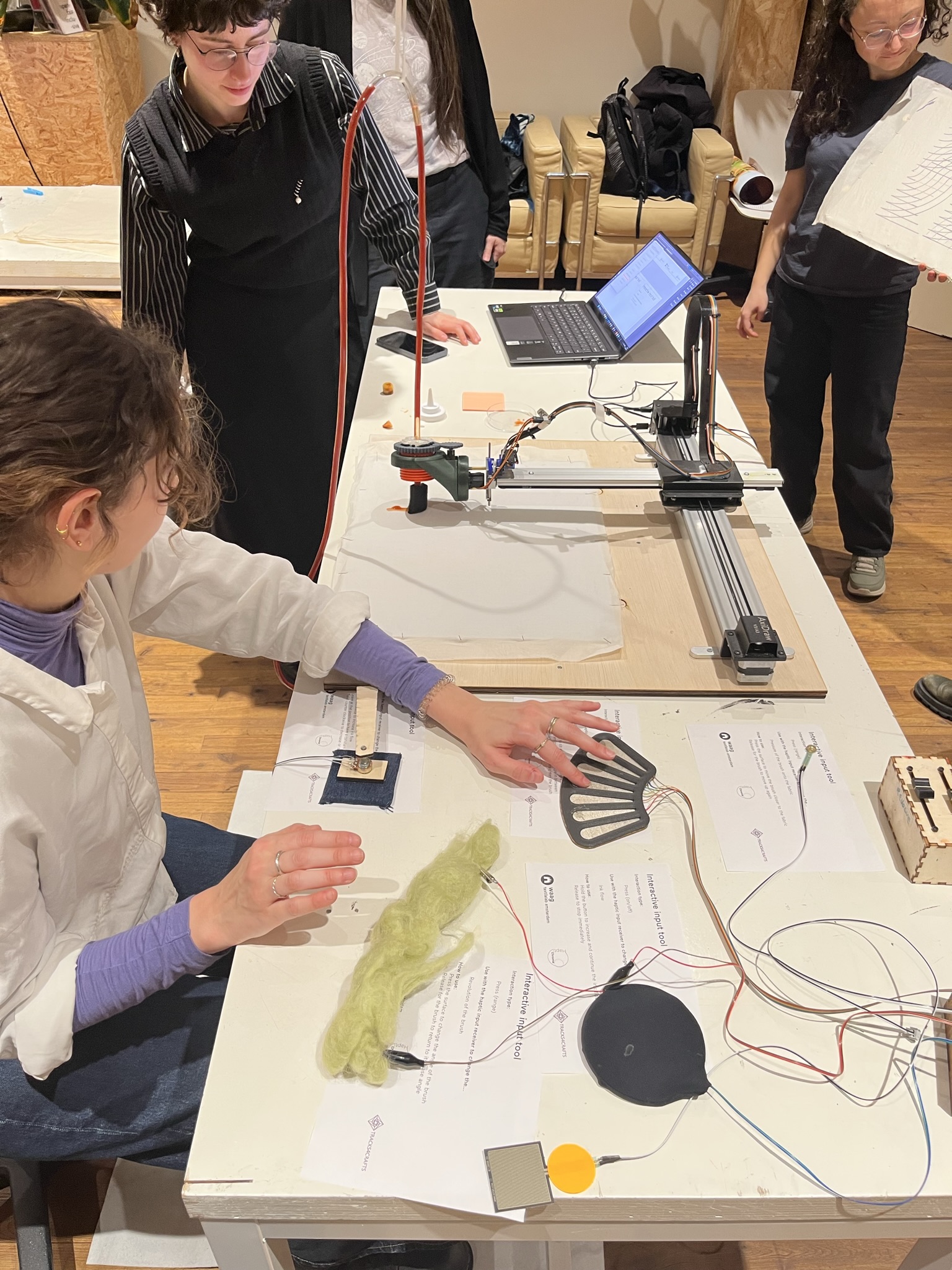
Within Hacking the Machines, we seek to personify and define a craftsperson 2.0. A guardian of quality and intangible heritage, who is also able to enrich a craft with modern techniques. At the same time, we explore how to help realise an organic transfer of knowledge between craftspeople of today and tomorrow.
One of the goals of the Hacking the Machines pilot is to make printing and painting technology accessible to all craftspeople. Considering craftspeople have different levels of tech-savviness, we categorized them into 4 groups:
| Craftsperson | Description | Digital skills | |
| A | Traditional craftsperson | A craftsperson who prefers minimal interaction with the technological aspect of performing their craft yet still wants to use the machines for their benefit. | •ooo |
| B | Curious about craftsperson 2.0 | A craftsperson who is curious about digital fabrication but does not know where to start. | o•oo |
| C | Want to be a craftsperson 2.0 | A craftsperson who wants to incorporate digital craft into their craft process. | oo•o |
| D | Craftsperson 2.0 | A craftsperson who blends traditional and digital methods to perform their craft. Who is fluent in both realms. | ooo• |
We prepared a suggested way of interaction between craftspeople and technology for each level of digital skill in both the communication and interaction with machines.
Communication with machines
| A | Using the setup at Waag |
1) the project researchers will help the craftsperson achieve results using the setup available at Waag |
| B | ShapeDiver interface |
1) download and install Axidraw API 2) generate desired design outcomes by changing the parameters from ShapeDiver interface and download the Python file 3) run the Python file from your computer |
| C | Running the code from Rhinoceros and Grasshopper |
1) download and install Axidraw API 2) download and install Rhinoceros (Grasshopper comes installed within Rhinoceros) 3) download the Grasshopper definitions 4) very little understanding of grasshopper is required to manipulate parameters in the Grasshopper definitions |
| D | Manipulating and expanding the code and its functions in Rhinoceros and Grasshopper |
1) download and install Axidraw API 2) download and install Rhinoceros (Grasshopper comes installed within Rhinoceros) 3) download the Grasshopper definitions |
Interaction with machines
| A | Using the setup at Waag |
1) the project researchers will help the craftsperson achieve results using the setup available at Waag |
| B | Using an AxiDraw with the HaptiColor static tool attachments |
1) 3d print tool attachments 2) assemble and mount attachments to machine |
| C | Using an AxiDraw with the HaptiColor moving tool attachments with or without interaction input |
1) 3d print tool attachments 2) assemble and mount attachments to machine 3) make the electronic circuit for the output and upload the chosen HaptiColor output Arduino code with the Arduino IDE 4) with interaction input: make the modular interactive input system and upload the HaptiColor input Arduino code with the Arduino IDE 5) with interaction input: make the desired interactive input devices |
| D | Changing the sensory code and creating new tool holders and attachments |
1) 3d print tool attachments 2) assemble and mount attachments to machine 3) make the electronic circuit for the output and upload the chosen HaptiColor output Arduino code with the Arduino IDE 4) with interaction input: make the modular interactive input system and upload the HaptiColor input Arduino code with the Arduino IDE 5) with interaction input: make the desired interactive input devices 6) changing the code: requires understanding of programming in the Arduino IDE 7) creating new tool attachments: requires understanding of parts design and 3d CAD modelling knowledge |